Logging In for the first time
To bring up the application for the first time, open a browser and enter the following into the address bar:
http://<MyInstalledServerName>/geomonui, where <MyInstalledServerName> should be replaced with the actual name of the server/computer where the GeoSystems Monitor application has been installed.
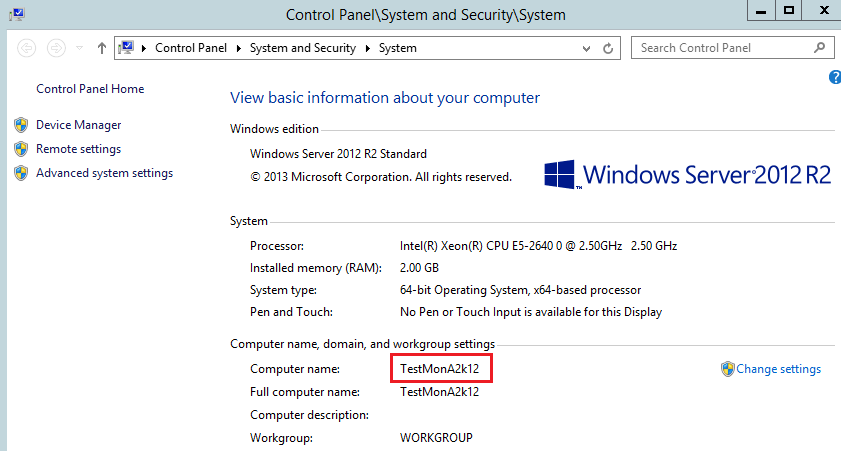
In the example below (using Windows Server 2012), you would go to start, right click, select "System" which would bring up a panel similar to the one below.
In this instance, you would enter: http://testmona2k12/geomonui (server/computer name is not cap sensitive)
|
|
|
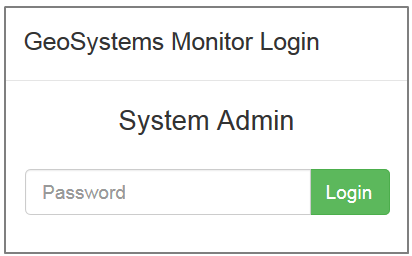
After you have done so, you should see the main dashboard of the GeoSystems Monitor. Clicking the login button in the top right should bring up a dialog box (see image to the right) At this point, you can log in as the System Administrator with the default password 'geo', |
Once you have logged in, proceed to the next section: Changing the System Administrator Password